





















































Why Spend $100 on a Hardware Wallet? Your Smartphone Can Do It for $1
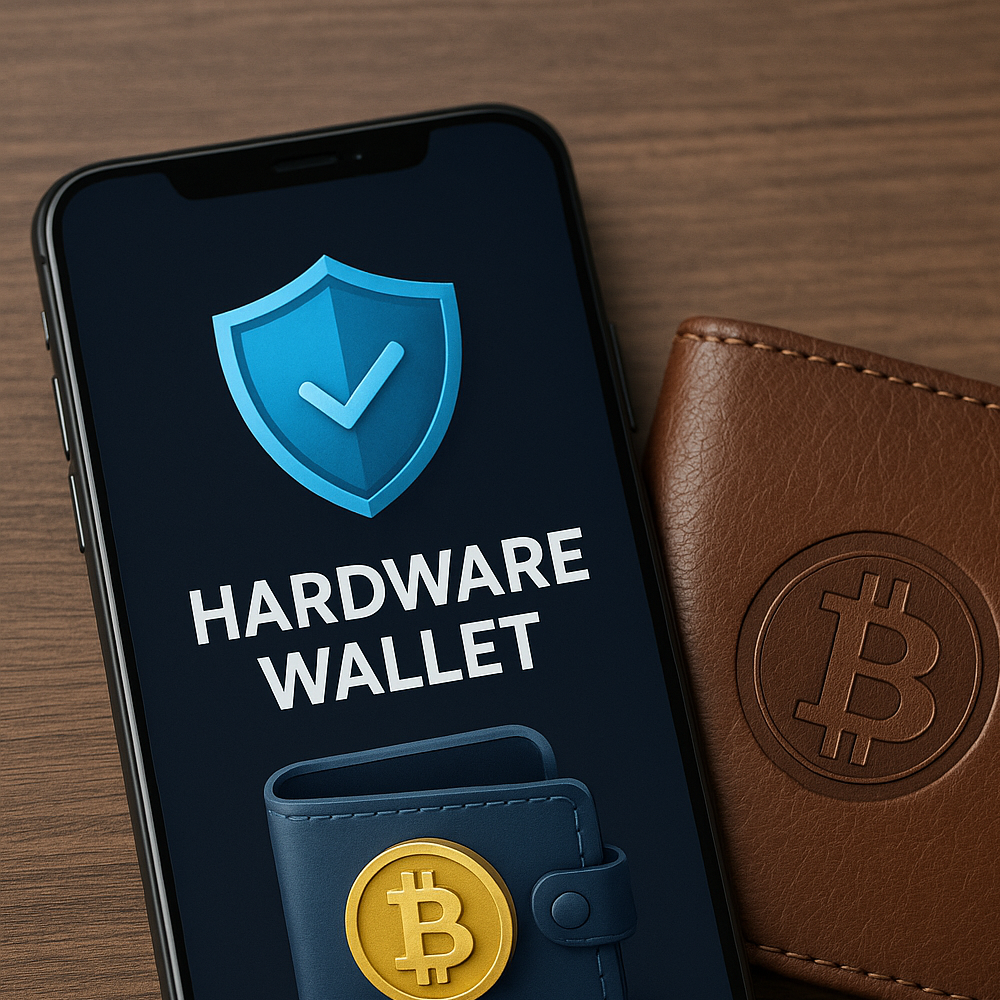
If you’re concerned about the security of your cryptocurrency but aren’t ready to invest in a traditional hardware wallet or you’re overwhelmed by the complexity, you’re not alone. Fortunately, there’s a smart, cost-effective solution: turn your smartphone into a hardware wallet using Braavos Hardware Signer technology.
It’s intuitive, secure, and incredibly convenient. In this tutorial, you’ll learn exactly how to set it up, use it, and understand what’s happening behind the scenes. All you need is a smartphone, a free app, and a few minutes of your time.
Let’s dive in and walk you through everything step by step.
Step 1: Understanding the Power of Braavos Hardware Signer
Braavos has revolutionized the way crypto security works by turning the one device you already carry everywhere—your smartphone—into a powerful hardware wallet. How? It uses the secure element (or security chip) already embedded in modern smartphones.
This is the same chip used for Apple Pay, Google Pay, and biometric logins like Face ID and fingerprint authentication. But instead of using it just for logging into your phone, Braavos leverages it to securely sign blockchain transactions. That’s a game-changer in crypto security.
Key Features of Braavos Hardware Signer:
- No extra device needed
- Uses existing smartphone hardware
- Secure biometric authentication
- Seamless integration with StarkNet blockchain
- Free to set up—just $1 in ETH to activate on mainnet
Step 2: Setting Up Your Smartphone as a Hardware Wallet Requirements:
- A smartphone (iOS or Android)
- The Braavos Wallet App
- A small amount of ETH (optional, for real transactions)
Download and Install Braavos
If you haven’t already installed the Braavos wallet app, that’s your first step. You can download it from the Apple App Store or Google Play. Links are available on their official website or in the app description.
Once downloaded, create a new wallet. Please write down your seed phrase on a physical piece of paper and store it offline in a safe place. This is your master key. Never share it.
Step 3: Enable the Hardware Signer
Now that your wallet is set up, it’s time to activate the hardware signer feature.
- Open the Braavos app.
- Navigate to Settings > Hardware Signer.
- Toggle the feature ON.
- Choose between StarkNet Mainnet (for real funds) or StarkNet Goerli Testnet (for testing and exploration).
If you’re trying it out, the testnet option lets you simulate the experience risk-free. For real use, you’ll need a small amount of ETH to start interacting with the blockchain.
Biometric Security Layer
Here’s where Braavos shines. Every transaction you approve through the hardware signer requires two biometric authentications:
- One to unlock the app
- One to approve a blockchain transaction
That means no one can move your crypto without your physical presence.
Step 4: Start Using Your New Smartphone Hardware Wallet
Let’s walk through some core use cases you can now enjoy securely, from your phone.
Staking ETH for Extra Yield
With the Braavos wallet, you can interact with DeFi protocols like Lido directly:
- Tap the Stake Plus feature.
- Enter the amount of ETH you want to stake.
- Tap Deposit using hardware signer.
- Use Face ID or fingerprint to confirm.
That’s it you’re now a liquidity provider earning yield, directly from your smartphone.
Swapping Tokens Securely
Want to swap tokens like ETH to DAI?
- Go to the DApps section in the Braavos app.
- Connect to a DEX (decentralized exchange).
- Select the amount and pair (e.g., ETH > DAI).
- Confirm the DApp connection and sign the transaction using your biometric ID.
In seconds, your ETH is swapped securely for DAI without exposing your keys or using a centralized exchange.
Step 5: Managing Multiple Accounts with Hardware Signer
Each account inside Braavos operates with its own unique security scheme. This means if you manage multiple accounts—perhaps for different assets or business purposes you’ll need to activate the hardware signer individually for each one.
Here’s how:
- Switch to your other account.
- Navigate to Settings > Hardware Signer.
- Enable and configure just like before.
This layered security makes Braavos ideal for power users managing diversified portfolios.
Step 6: How It All Works Under the Hood
Why Your Smartphone Is as Secure as Any Hardware Wallet
The security chip inside your smartphone is a highly isolated component. It’s like a digital vault. Not even Apple, Google, or Braavos themselves can access it.
This chip is constantly tested against attacks by hackers and state-level actors. It’s the same chip used to store biometric data, credit cards, and more.
With Braavos, your crypto private keys are never exposed, even to the app itself. Transactions are signed inside the chip using biometric authentication, meaning your keys never leave the secure zone.
The Technology Behind Braavos Hardware Signer
Account Abstraction: The Secret Sauce
So, how does Braavos make your smartphone talk to a blockchain?
It uses a breakthrough Ethereum technology called Account Abstraction. Traditionally, your wallet app held your private key, which directly signed transactions. But with account abstraction, your wallet now includes:
- An app interface (on your phone)
- A smart contract (on StarkNet blockchain)
These two components interact via cryptographic messages. Your hardware signer communicates securely with the smart contract, allowing biometric transaction approval on chain.
It’s like adding a secure tunnel between your biometric identity and the decentralized world.
Final Thoughts: Why This Is the Future of Crypto Security
Braavos isn’t just replacing the need for $100+ hardware wallets, it’s redefining what personal crypto security can look like. With just your smartphone, you now have access to:
- Military-grade security
- On-chain smart contract wallet architecture
- Seamless UX similar to Apple Pay
- Free to start with a $1 budget
Whether you’re new to crypto or managing thousands in DeFi assets, this solution offers next-level protection with a next-to-no learning curve.
Bonus: What’s Next for Braavos?
Braavos is constantly expanding support for new dApps, DeFi features, and NFT integration. As StarkNet grows, so too will the opportunities for this hardware signer-enabled smart wallet.
Expect future updates to bring features like:
- Multi-sig support
- On-chain key rotation
- Recovery services
- Layer 2 integration for faster and cheaper transactions